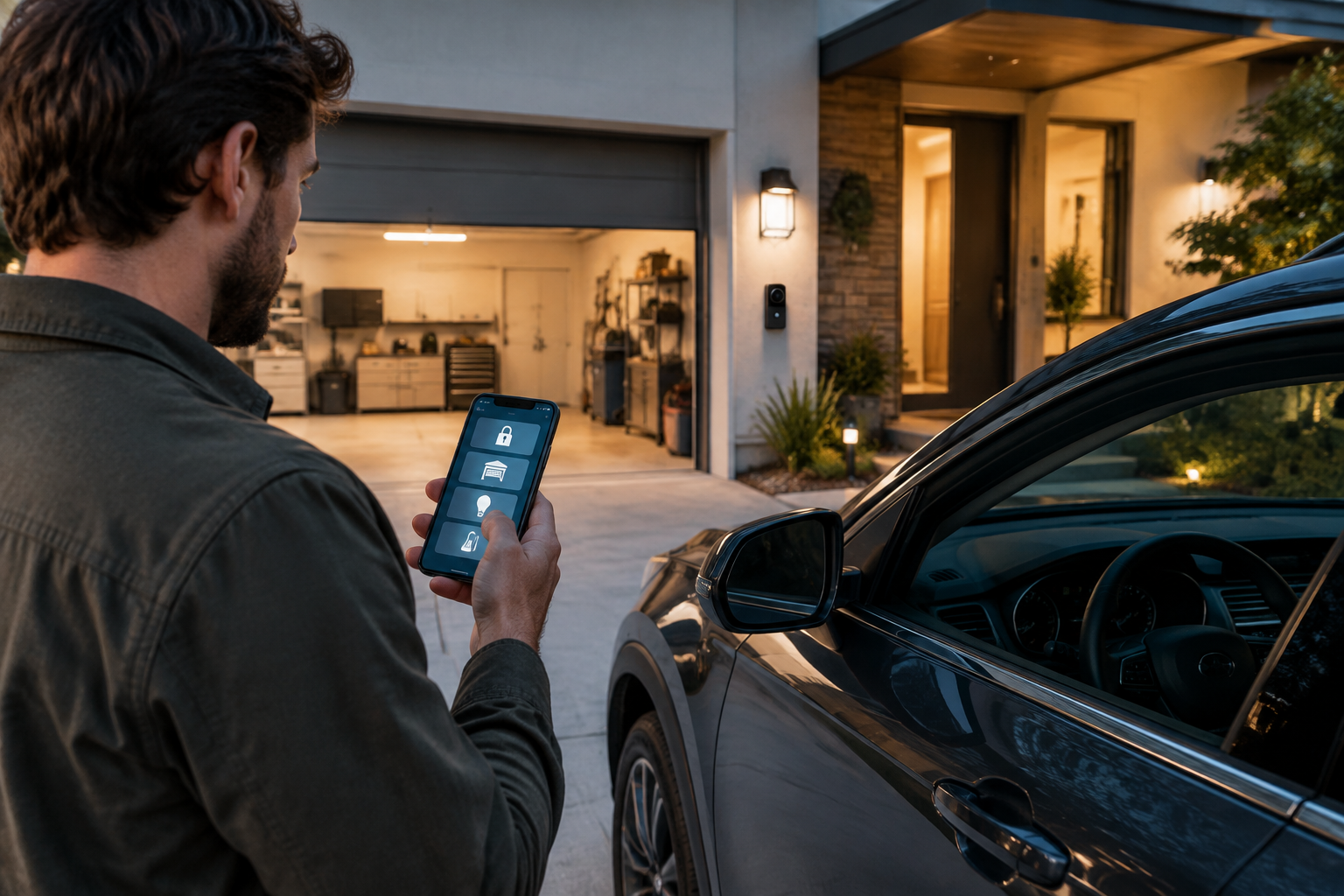
Smart home technology can be particularly useful around cars, garages, driveways, and home energy systems. A connected garage door controller can let you check whether the door is closed, a smart camera can help monitor a parked vehicle, and a compatible energy monitor can make it easier to understand how much electricity your home charging setup uses.
However, choosing connected devices for an automotive environment requires more than comparing app features. Outdoor exposure, wireless coverage, installation requirements, compatibility, cybersecurity, and the consequences of a failed connection all matter. This guide explains the main device categories, how to compare them, and which questions to answer before buying.
What counts as a smart home device for automotive use?
In this context, a smart home device is connected equipment that helps manage or monitor a vehicle, garage, driveway, or related home system. It may communicate through Wi-Fi, Bluetooth, a dedicated hub, a cellular connection, or a smart-home platform.
Common examples include:
- Smart garage-door controllers and connected garage-door openers
- Outdoor security cameras and video doorbells covering a driveway
- Smart locks for garage or side entrances
- Smart plugs and energy monitors for suitable low-risk equipment
- Connected EV chargers and home energy-management devices
- Motion sensors, contact sensors, and leak or temperature sensors for garages
- Voice assistants and automation hubs that coordinate compatible devices
Some products are designed specifically for vehicles, while others are general smart-home equipment that can be useful near a car or garage.
Best smart home device categories for drivers
1. Smart garage-door controllers
A smart garage-door controller adds connectivity to an existing compatible opener. Depending on the model, it may allow you to check the door's status, receive alerts, open or close the door remotely, and create access rules for household members or service providers.
This is often one of the most practical upgrades for a connected garage. It can reduce the uncertainty of wondering whether the door was left open and may provide a record of activity. Some systems also work with vehicle-based controls or broader smart-home platforms.
What to check:
- Whether your existing opener and door system are supported
- Whether a separate door-position sensor is required
- What happens if the internet connection or power fails
- How remote access is protected
- Whether multiple household users can have separate permissions
- Whether installation requires wiring or professional assistance
Remote operation should not be treated as a substitute for checking that the door area is clear. Follow the manufacturer's safety instructions and local requirements.
2. Outdoor cameras and driveway monitoring
A weather-resistant camera can provide visibility over a driveway, carport, gate, or garage entrance. Useful features may include motion notifications, activity zones, low-light performance, two-way audio, local recording, and integration with other security devices.
Image quality is only one part of the decision. A camera with excellent resolution may be frustrating if notifications are excessive, recordings are difficult to access, or the wireless signal is unreliable.
Important comparison points:
- Weather resistance suitable for the intended mounting location
- Night vision or low-light performance
- Detection settings that can distinguish relevant activity from passing traffic or wildlife
- Local storage, cloud storage, or both
- Subscription requirements for recording or advanced features
- Privacy controls, user permissions, and account security
- Power options, including mains power, batteries, or solar-assisted designs
Before installing a camera, consider neighbouring properties, public areas, visitors, and local privacy rules. A camera should be positioned and configured responsibly.
3. Smart locks for garage and side entrances
A smart lock can be useful when a garage or side door needs controlled access. Depending on the model, it may support keypad entry, temporary codes, app-based access, automatic locking, or activity notifications.
For automotive use, the main benefit is controlled convenience: a delivery person, contractor, family member, or roadside service provider may be able to enter without receiving a permanent key. The lock should still have a dependable manual or backup method for authorised users.
Before choosing one, verify:
- Door and lock compatibility, including backset and lock type
- Battery life and low-battery warnings
- Availability of a physical key or other fallback method
- Whether codes can be limited by user or time
- Resistance to the temperature and moisture conditions at the installation point
- How access logs and personal data are handled
4. Connected EV chargers and energy monitors
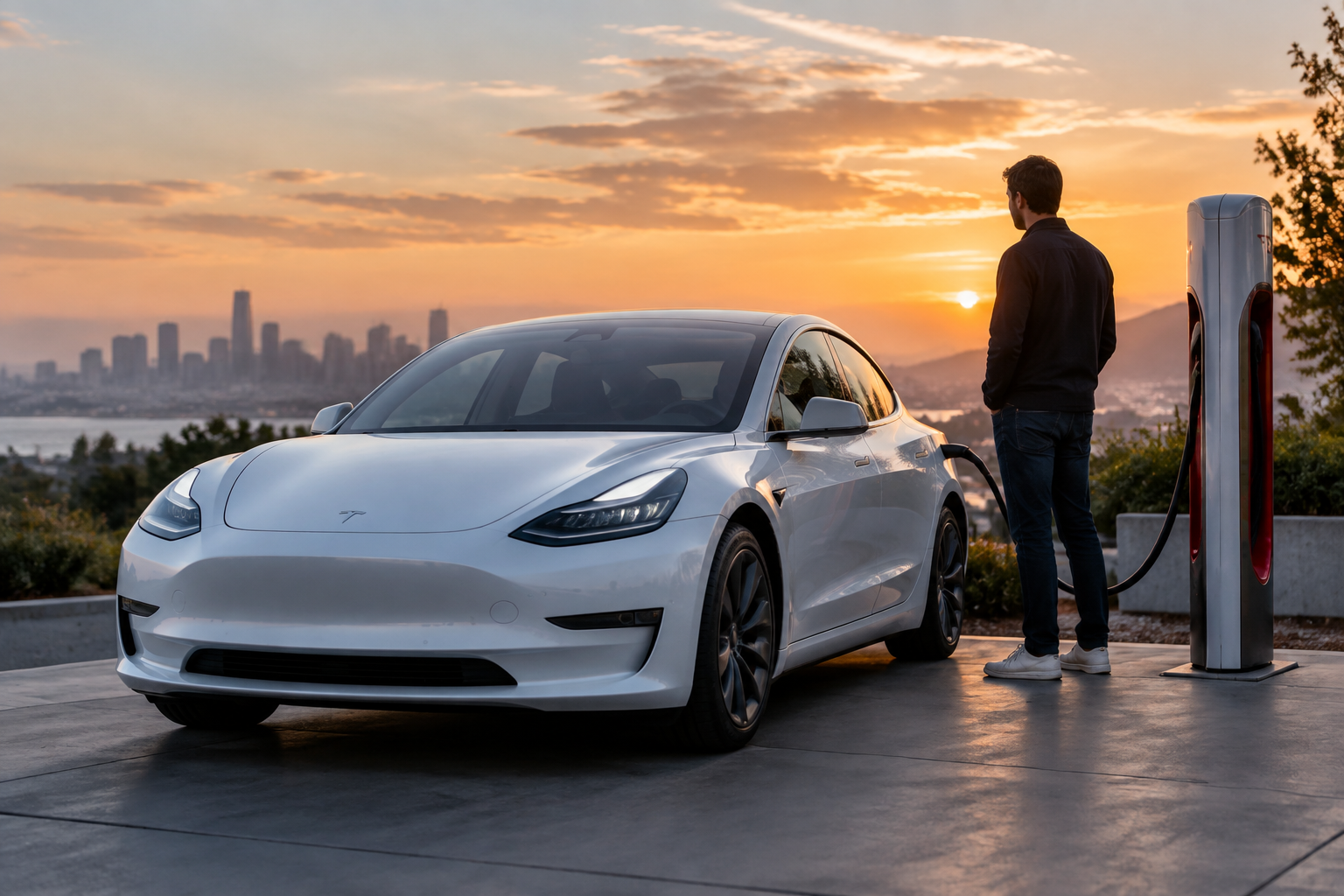
For an electric vehicle, a connected home charger may offer scheduling, charging-status information, usage records, and integration with certain energy-management systems. These features can make charging easier to monitor and may help households coordinate charging with their own electricity plan or renewable-energy setup where supported.
Smart charging features vary widely. Some chargers provide only basic app control, while others can respond to electricity-price signals, solar generation, household demand, or vehicle settings. Compatibility should be confirmed across the charger, vehicle, electrical installation, and any energy-management platform.
Key factors include:
- Electrical capacity and installation suitability
- Connector compatibility with the vehicle
- Indoor or outdoor installation rating
- Charging power supported by both the charger and vehicle
- Load management and protection features
- App reliability and the ability to charge without the app
- Data collection, account security, and software-support policy
- Whether installation must be completed by a qualified professional
Do not use an ordinary smart plug as a substitute for a properly installed EV charging system unless the vehicle and equipment manufacturer specifically supports that arrangement. Electrical work and charging equipment should be assessed according to the requirements in your jurisdiction.
5. Garage sensors for doors, temperature, water, and motion
Simple sensors can be valuable in a garage even when you do not need a full automation system. A contact sensor can report whether a side door or window is open. A temperature sensor can warn about conditions that may affect stored materials or equipment. A water-leak sensor can provide an early alert near a water heater, utility sink, or vulnerable pipe.
These products are generally less intrusive than cameras and may use less power. Their usefulness depends on placement and notification reliability, so test alerts before relying on them.
6. Smart lighting for driveways and garages
Connected lighting can improve convenience when arriving home after dark and may be linked to motion, schedules, or door activity. Options include smart bulbs, switches, floodlights, and dedicated security lights.
For garages, choose equipment rated for the environment and suitable for the existing wiring. For driveways, check mounting height, weather exposure, glare, and the area detected by motion sensors. Automation should be configured to avoid unnecessary activation from passing pedestrians or vehicles.
7. Smart-home hubs and voice assistants
A hub or voice assistant can bring compatible garage, lighting, camera, lock, and energy devices into one interface. It may also enable routines, such as turning on lights when a garage door opens or sending a notification if the door remains open after a certain time.
The trade-off is additional complexity. A multi-brand setup may require several accounts, bridges, or subscription plans. A system built around one platform can be simpler, but it may limit future choices. Consider whether the platform supports the connectivity standards and devices you are likely to use over time.
How to choose the right device
Start with the problem, not the feature list
Write down the specific problem you want to solve. Examples include:
- “I want to know if the garage door is open.”
- “I need better visibility of the driveway at night.”
- “I want to control access for temporary visitors.”
- “I need to monitor EV charging without checking the vehicle manually.”
- “I want an alert if water reaches the garage floor.”
A single-purpose sensor may be better value and more dependable than a complex system with features you will not use.
Check compatibility before buying
Compatibility can involve more than a phone operating system. Check the existing garage-door opener, door hardware, electrical circuit, Wi-Fi band and signal strength, vehicle connector, charger installation requirements, and smart-home platform.
For products that integrate with other brands, look for explicit support rather than assuming that a shared logo or general connectivity claim guarantees every feature will work.
Assess connectivity and failure modes
Ask what happens during a Wi-Fi outage, power cut, cloud-service interruption, dead battery, or app failure. A device may still function locally, or it may lose important features until the connection returns.
For safety-critical or access-related equipment, retain a practical fallback. This could be a physical key, a manual garage release, local controls, or a second authorised method of access, depending on the product.
Consider installation and the environment
Garages can be dusty, cold, hot, damp, or poorly served by Wi-Fi. Outdoor devices face rain, sunlight, wind, and temperature changes. Review the manufacturer's environmental rating and installation instructions rather than relying on indoor product specifications.
Electrical installation, fixed wiring, EV charging, and modifications to doors or locks may require a qualified installer. Requirements vary by location and by the equipment being installed.
Review total cost of ownership
The purchase price is only one part of the cost. Also consider installation, batteries, replacement parts, cloud-storage subscriptions, mobile-data charges, hub requirements, and the likely support period for software updates.
A product that requires a recurring fee is not automatically a poor choice, but the ongoing cost and the features it unlocks should be clear before purchase.
Take privacy and security seriously
Connected devices can collect information about movements, vehicle use, access events, video, voice commands, or energy consumption. Look for strong account authentication, separate user permissions, encryption information, software updates, and a clear policy for data retention and deletion.
Use unique passwords, enable multi-factor authentication where available, update firmware and apps, and remove old users when access is no longer needed. Avoid sharing a primary account password with contractors or visitors.
Practical questions to answer before buying
- What exact problem will this device solve?
- Does it work with the equipment I already own?
- Will it operate locally if the internet or cloud service is unavailable?
- Is the installation location within the stated temperature and weather limits?
- Do I need a hub, subscription, professional installer, or new wiring?
- Can other household members use it without sharing my account?
- What happens if the battery runs out or the device stops receiving updates?
- Could the device expose private information about my home, vehicle, or routine?
- Is there a manual backup for access or essential control?
- Can I take the device with me if I move or replace the vehicle?
Example setups by priority
For basic convenience
Start with a compatible garage-door controller, a reliable garage light, and a sensor that confirms whether the door is closed. This setup addresses common daily frustrations without requiring a broad automation system.
For driveway awareness
Consider an outdoor camera or motion light, supplemented by a contact sensor for a garage or side door. Set activity zones carefully and review privacy settings before activating recording.
For EV charging management
Choose a properly installed connected charger that matches the vehicle and home's electrical capacity. Add energy monitoring only if it provides information you will actually use, and make sure charging remains possible through a straightforward fallback method.
For a larger connected home
Choose one primary platform, then confirm that each new device supports it. Build automations gradually and test notifications, access permissions, and failure modes instead of connecting every device at once.
Common mistakes to avoid
- Buying a device before checking compatibility with the opener, lock, vehicle, or electrical system
- Assuming a strong indoor Wi-Fi signal will reach a detached garage or driveway
- Relying exclusively on cloud access for a garage door, lock, or charger
- Ignoring recurring subscription costs
- Installing an indoor-rated product outdoors
- Using the same password across multiple smart-home accounts
- Pointing cameras at neighbouring property or public areas without considering privacy
- Creating automations that can unlock, open, or activate equipment without safeguards
- Failing to test alerts and backup access after installation
FAQs
Are smart garage-door controllers safe?
They can be safe when correctly installed, compatible with the door system, secured with a strong account, and used alongside the opener's built-in safety features. Remote control should not replace visual checks or proper maintenance.
Can I use a smart plug to control a car charger?
That depends on the charger, vehicle, plug, circuit, and manufacturer's instructions. High-load vehicle charging can place significant demands on electrical equipment. Do not use a smart plug for this purpose unless the complete setup is specifically approved and suitable.
Do smart cameras need a subscription?
Some cameras provide local storage or basic live viewing without a subscription; others reserve recording, extended history, or advanced detection for a paid plan. Check the current terms for the specific model before buying.
Will smart-home devices work if the internet goes down?
There is no universal answer. Some devices retain local controls or scheduled functions, while others depend heavily on a cloud service. Confirm offline behaviour for every device that controls access, charging, or security.
How can I improve smart-device security?
Use unique passwords, enable multi-factor authentication, install updates, limit user permissions, secure the home network, and remove devices or accounts that are no longer in use. Review privacy and data-retention settings regularly.
Should I choose one smart-home brand?
Using one platform can simplify setup and automation, while mixing brands may provide better hardware choices. The best approach depends on compatibility, privacy preferences, cost, and how much complexity you are prepared to manage.
Bottom line
The best smart home device for automotive use is the one that solves a clearly defined problem while remaining compatible, secure, maintainable, and usable when something goes wrong. For many households, a smart garage controller, a carefully positioned outdoor camera, a suitable connected EV charger, or a small set of garage sensors will deliver more practical value than an elaborate automation system.
Disclaimer: This article provides general consumer information, not electrical, security, legal, insurance, or professional installation advice. Product capabilities, compatibility, privacy rules, building requirements, and electrical standards vary by product and jurisdiction. Consult the manufacturer and an appropriately qualified local professional before installing or relying on equipment that affects access, electrical systems, charging, or home security.