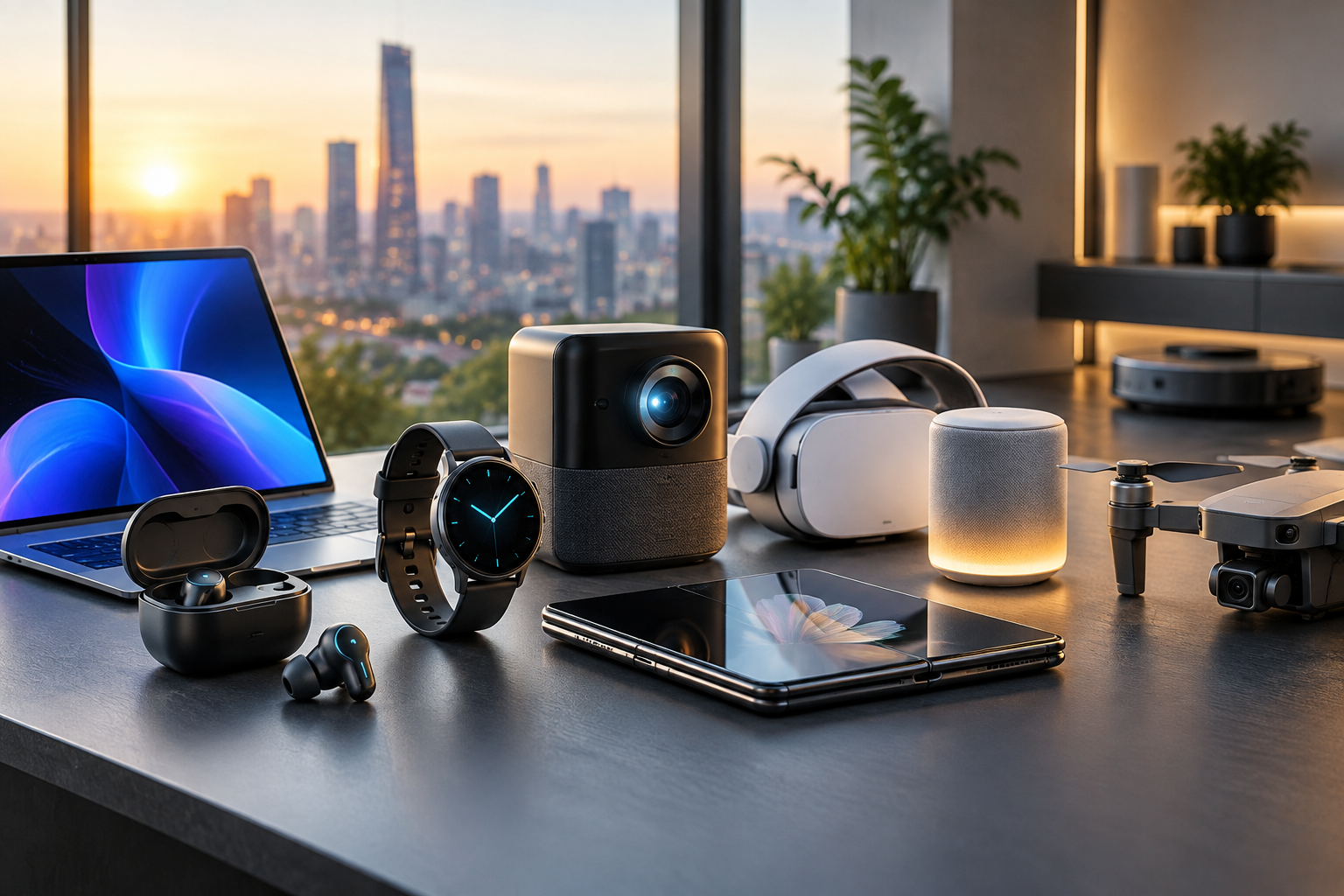
New gadgets arrive throughout the year, spanning smartphones, laptops, wearables, headphones, smart-home equipment, gaming devices and portable accessories. The most useful purchase is not necessarily the newest or most expensive one. It is the device that solves a genuine problem, works with your existing equipment and remains practical after the initial excitement fades.
This guide focuses on how to evaluate the latest gadgets available in 2026 without treating any single product or brand as universally best. Features, prices, software support, availability and regional versions can change, so check current manufacturer information and independent reviews before buying.
What counts as a latest gadget in 2026?
“Latest” can mean several things: a newly launched product, a recent refresh of an established device, or an older model with software that gives it new capabilities. A product may also be new in one country but unavailable or differently configured in another.
When researching a device, distinguish between:
- Announcement date: when the manufacturer introduced the product.
- Release date: when customers can actually buy it in your market.
- Hardware generation: the processor, sensors, display, battery and other physical components.
- Software generation: the operating system and features added through updates.
- Regional configuration: differences in connectivity, included accessories, warranty coverage or supported services.
Key gadget categories to consider
Smartphones
New smartphones commonly compete on camera systems, battery management, display quality, processing performance, artificial-intelligence features, durability and connectivity. Instead of focusing only on processor specifications, consider whether the phone will remain responsive for your typical use, receive software and security updates for an acceptable period, and work with your preferred apps and accessories.
Camera comparisons should include more than megapixel counts. Look at image quality in the conditions you actually encounter, video controls, stabilization, front-camera performance, storage requirements and how easily photos can be backed up or edited.
Laptops and tablets
For laptops and tablets, the right choice depends heavily on workload. Office work, study, creative applications, programming, gaming and travel place different demands on memory, storage, screen size, keyboard quality, ports and cooling.
- Choose enough memory for your usual multitasking rather than relying on minimum specifications.
- Check whether storage can be expanded or replaced if that matters to you.
- Compare weight, charger size and battery behavior if you travel frequently.
- Confirm that required applications work on the operating system and processor architecture.
- Inspect the keyboard, trackpad, camera and display in person where possible.
Wearables and health-oriented devices
Smartwatches, fitness trackers and other wearables can monitor activity, notifications, sleep-related information and selected body measurements. Their usefulness often depends more on comfort, battery routine, app quality and phone compatibility than on the number of sensors.
Treat readings from consumer wearables as general information rather than a diagnosis. If a measurement concerns you, discuss it with an appropriately qualified healthcare professional. Features and regulatory status may differ by country and device version.
Wireless audio
Earbuds and headphones differ in fit, noise control, microphone performance, durability, battery arrangements and device integration. Active noise cancellation may be useful on aircraft or in busy offices, while a comfortable passive fit may be more important for long listening sessions.
Check whether the charging case uses a connector you already own, whether replacement parts are available, and how the device behaves when paired with products from different manufacturers.
Smart-home devices
Smart speakers, cameras, lighting, thermostats, locks and sensors can be convenient, but they introduce compatibility and privacy decisions. Before buying, identify the platform you intend to use and confirm that the device supports the required standard, app and control method.
For cameras, locks and other security-sensitive products, examine account protection, two-factor authentication, local-storage options, update policies, access sharing and what happens if the manufacturer ends cloud support.
Gaming and entertainment devices
Gaming hardware should be assessed as an ecosystem. Consider the games you want to play, controller options, display requirements, storage expansion, online-service requirements and whether existing accessories will work. For portable entertainment devices, add screen readability, heat, battery life and repairability to the checklist.
Charging and portable accessories
Chargers, power banks, cables, docks and tracking tags may appear simple, but compatibility matters. Verify connector type, supported charging standards, output requirements, safety certifications relevant to your market and the device’s instructions. A higher-wattage charger is not automatically better if your equipment cannot use it.
The most important buying decisions
1. Define the problem first
Write down what you want the gadget to improve. Examples include reducing travel weight, replacing an unreliable device, improving video calls, organizing a smart home or accessing a particular application. If you cannot identify a concrete benefit, waiting may be sensible.
2. Compare total ownership cost
The purchase price is only one part of the cost. Include accessories, subscriptions, cloud storage, replacement parts, insurance where relevant, repairs and possible platform changes. A device that requires several paid services may cost more over its useful life than a simpler alternative.
3. Check compatibility before ordering
Confirm compatibility with your phone, computer, operating system, network, smart-home platform, accounts and existing accessories. Pay special attention to region-specific cellular bands, power plugs, warranty terms and app availability.
4. Evaluate support and longevity
Look for clear information about software updates, security support, repair options, battery replacement and warranty service. The length and scope of support can be more important than a small performance advantage at launch.
5. Consider privacy and data use
Read the product’s privacy information at a level you can understand. Ask what data is collected, where it is stored, how long it is retained, whether voice or image data is processed remotely, and how to delete an account or export information. Use strong, unique passwords and available multi-factor authentication.
6. Test the everyday experience
Specifications can miss practical frustrations. Consider setup time, notification behavior, charging frequency, app reliability, noise, heat, weight, accessibility features and how easy it is to adjust settings. Reviews are most valuable when they describe sustained use rather than only first impressions.
A practical comparison framework
Create a short comparison table for the products you are considering. Give each device a simple rating for the factors that matter to you:
| Factor | Questions to ask |
|---|---|
| Purpose | Does it solve the specific problem I identified? |
| Compatibility | Will it work with my current devices, apps and services? |
| Performance | Is it sufficient for my workload, now and in the foreseeable future? |
| Battery and charging | Will the charging routine fit my schedule? |
| Durability | Can it handle my environment and intended use? |
| Privacy | Am I comfortable with its data collection and account requirements? |
| Support | Are updates, repairs and replacement parts clearly addressed? |
| Total cost | What will I pay for accessories and services over time? |
Practical questions to answer before buying
- What task will this gadget perform that my current device cannot?
- Which feature is essential, and which features are merely attractive?
- Does the product require a subscription or proprietary accessory?
- Will it integrate with the devices and services I already use?
- How often will I need to charge it?
- Can I return it if the fit, performance or compatibility is unsuitable?
- What happens if the app, cloud service or manufacturer support ends?
- Can the battery, storage or other important component be serviced?
- Are accessibility features available for my needs?
- Have I compared independent testing rather than relying only on marketing material?
Common mistakes to avoid
Buying for specifications alone
A longer specification list does not guarantee a better experience. Features may be limited by software, regional restrictions, battery consumption or poor implementation.
Ignoring ecosystems
Some products work best within a particular account or platform. Switching ecosystems later may involve replacing accessories, moving data or losing familiar features.
Overlooking subscriptions
Cloud recording, advanced editing, extended storage and premium services may require recurring payments. Confirm which functions remain available without a subscription.
Assuming future features are guaranteed
Manufacturers may announce planned functions, but availability, timing and supported models can change. Base your decision on features that are available and documented at the time of purchase.
Neglecting security
Change default passwords, install updates, enable multi-factor authentication where available and review connected accounts. This is particularly important for cameras, locks, microphones and devices containing personal data.
When should you buy?
Buy when your current device is failing, no longer meets your needs, or the new product provides a meaningful improvement. Waiting may be reasonable when the upgrade is minor, your existing device is supported and you are unsure about compatibility or long-term costs.
Before placing an order, verify the current model number, included accessories, return terms, warranty coverage, delivery region and software requirements. Availability and specifications can change during 2026.
FAQs
Are the newest gadgets always better?
No. Newer devices may offer improved hardware or features, but an established model can provide better value, broader accessory support or more mature software. Choose based on your needs and total ownership cost.
How can I tell whether a gadget is genuinely new?
Check the manufacturer’s product page, model number, announcement information and release details for your region. Be cautious with listings that use terms such as “new generation” without identifying the exact model.
Should I wait for the next model?
There is always a possibility of a future refresh. Waiting makes sense if your current device works well and the expected improvement matters to you. If your present device is unreliable or unsuitable, a documented current product may be the more practical choice.
How much weight should I give professional reviews?
Use several independent sources and look for testing that matches your use case. Pay attention to long-term battery behavior, software reliability, comfort, repairability and limitations, not only performance charts.
What is the safest way to buy a gadget online?
Use a reputable seller, confirm the exact model and regional version, check return and warranty terms, and keep order records. Avoid listings with unclear specifications or pressure to pay outside the seller’s normal checkout process.
Do smart gadgets create privacy risks?
They can, particularly when they use microphones, cameras, location data, health information or cloud accounts. Review permissions, secure the account, install updates and choose local-processing or local-storage options when they meet your needs.
Bottom line
The best gadget for 2026 is the one that fits your routine, works with your existing technology and offers durable value. Start with the problem you want to solve, verify compatibility, compare ownership costs, investigate privacy and support, and treat unconfirmed future features cautiously. This approach is more reliable than choosing solely by launch date or headline specifications.
Disclaimer: This article provides general consumer information, not product-specific, financial, legal, medical or professional advice. Product features, availability, prices, warranties, software support and regulations vary by country and may change. Confirm details with the manufacturer, retailer and relevant local authorities before making a purchase.